



A preprocessor for mdbook which prepend a vignette above code blocks.
First you need to install the pre-processor by running the following command.
cargo install mdbook-codeblocksNext you need to add the preprocessor to your book.toml. Customization is at its early stage, but you can already define language's custom icon, label, color and link:
[book]
authors = ["Roms1383"]
title = "Code blocks preprocessor example"

[output.html]

[preprocessor.codeblocks]
renderers = ["html"]
cpp = { color = "#FFFF99", link = "https://wiki.redmodding.org/red4ext" }
redscript = { color = "tomato", link = "https://wiki.redmodding.org/redscript" }
rust = { color = "#ac4313", link = "https://github.com/jac3km4/red4ext-rs" }
lua = { link = "https://wiki.redmodding.org/cyber-engine-tweaks" }
swift = { label = "Swift code snippet", color = "skyblue" }
Here's what it will produce:
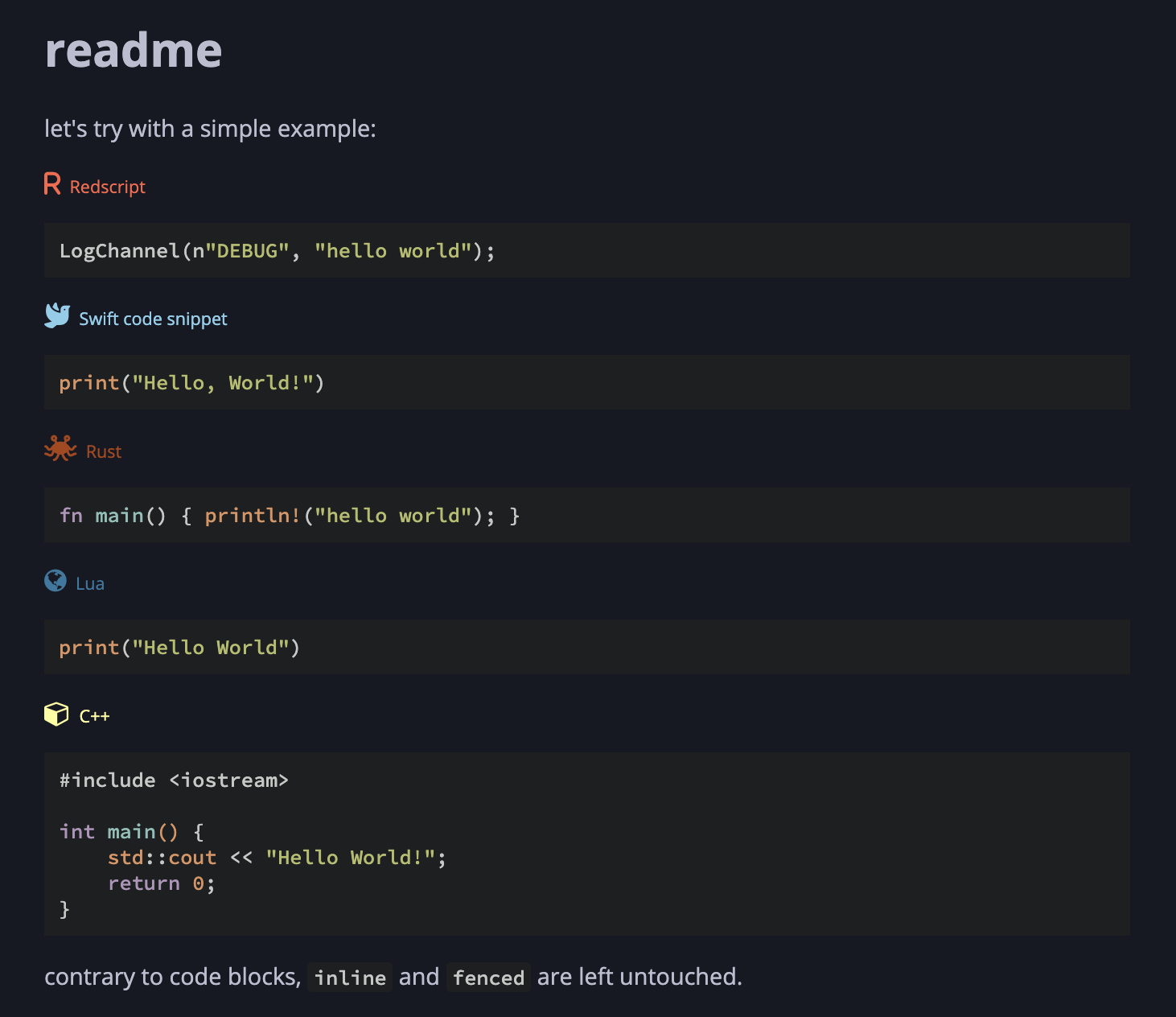
You can actually find it in example folder.
Warning
also, do not forget to embed FontAwesome css, see example/theme/head.hbs.
This tool is very rudimentary, but contributions are welcomed!
Especially for the HTML/CSS :)
Likewise it only supports a small subset of 5 languages so far, please add more!
This tool uses icons from FontAwesome by default.
Note
Custom icons use the solid style unless another is given, e.g. brand icons need icon = "fa-brands fa-github".