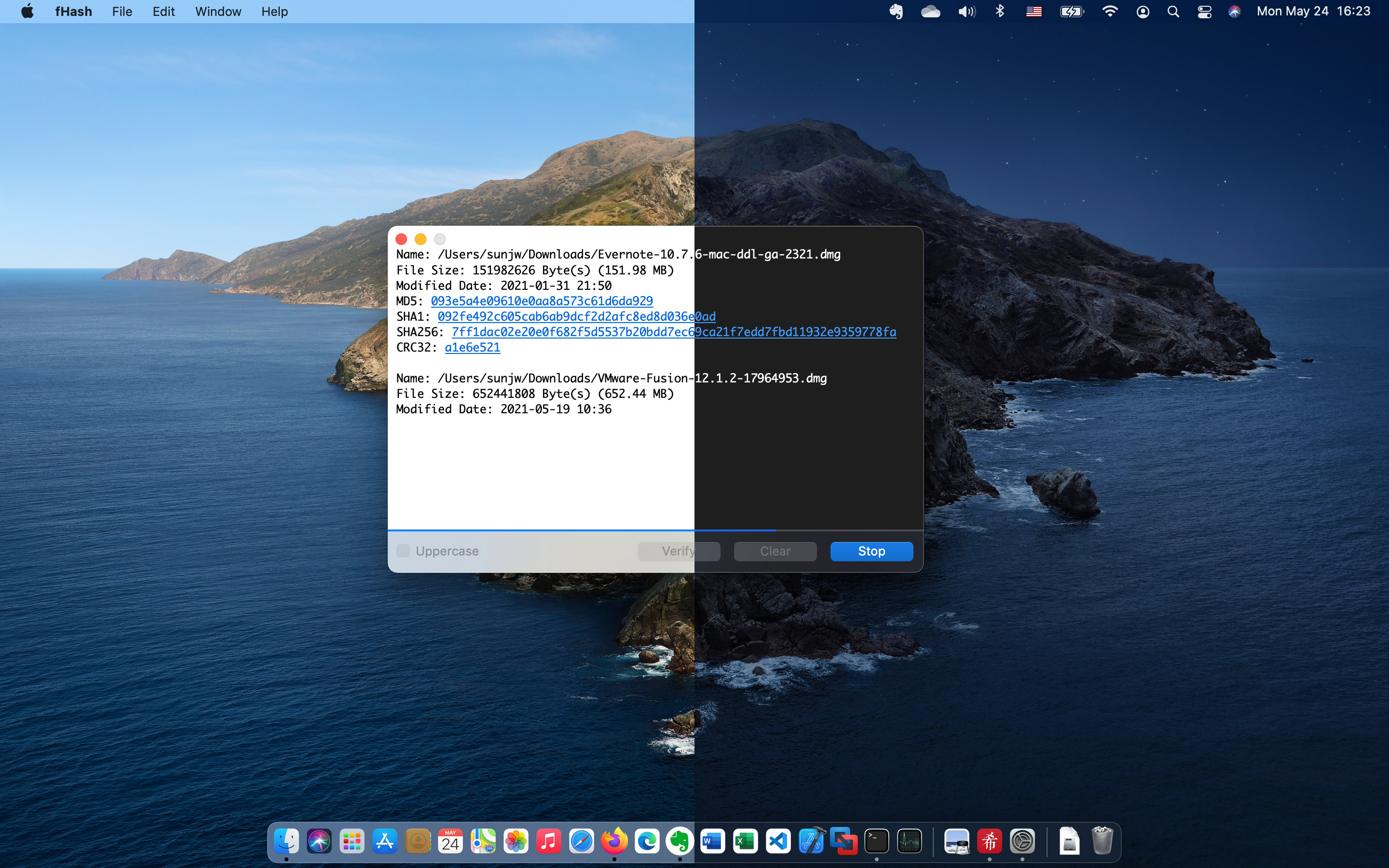
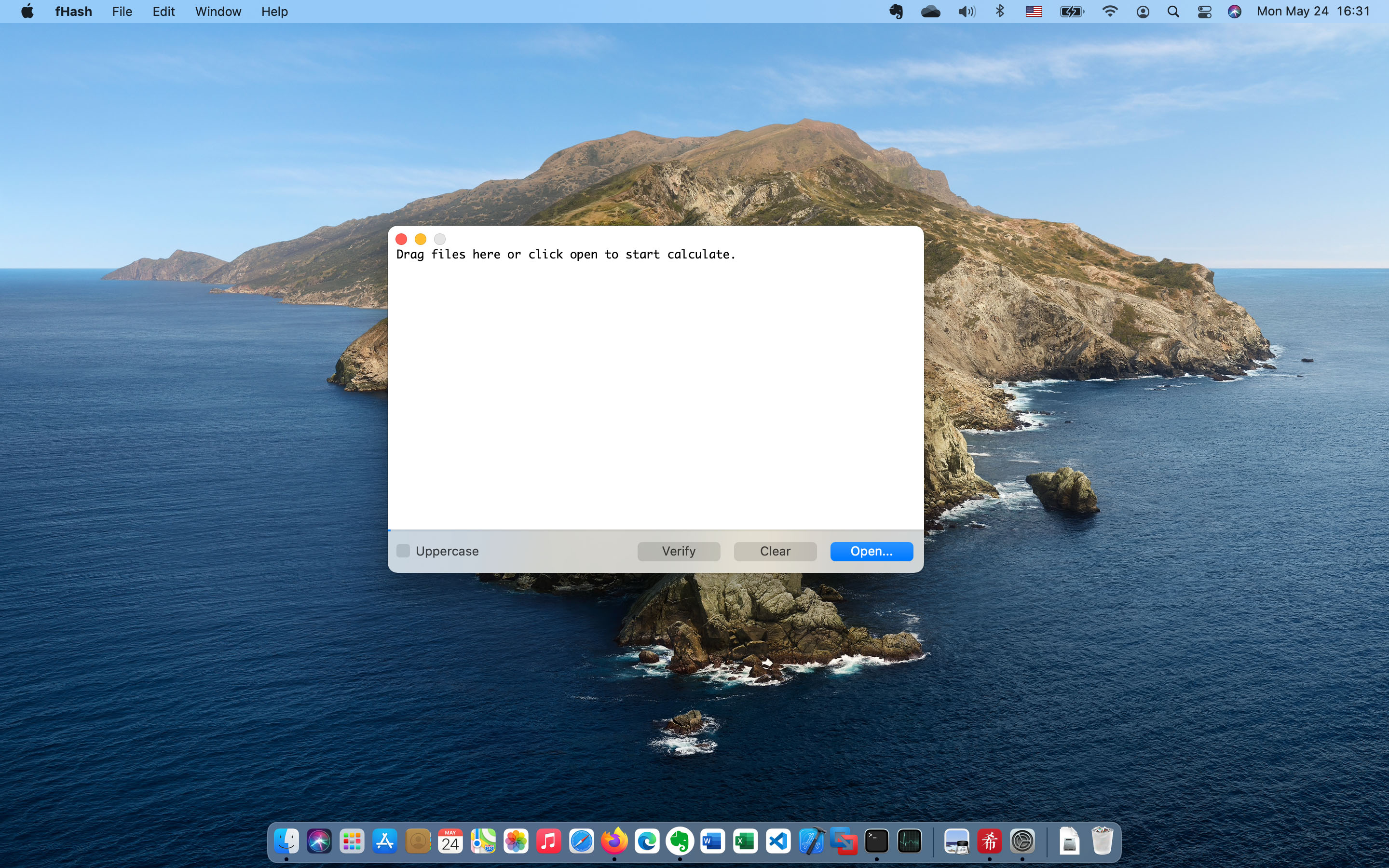
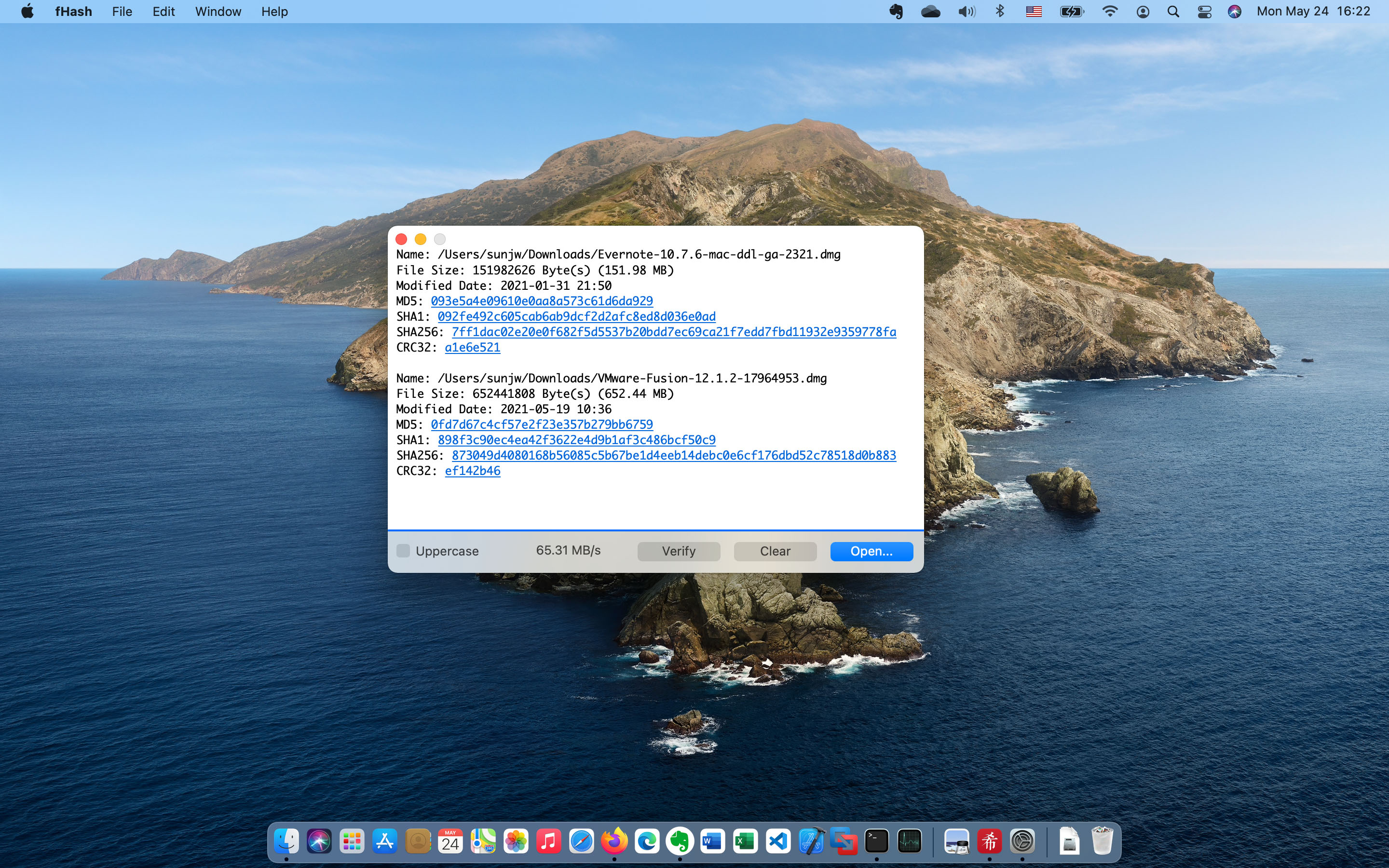
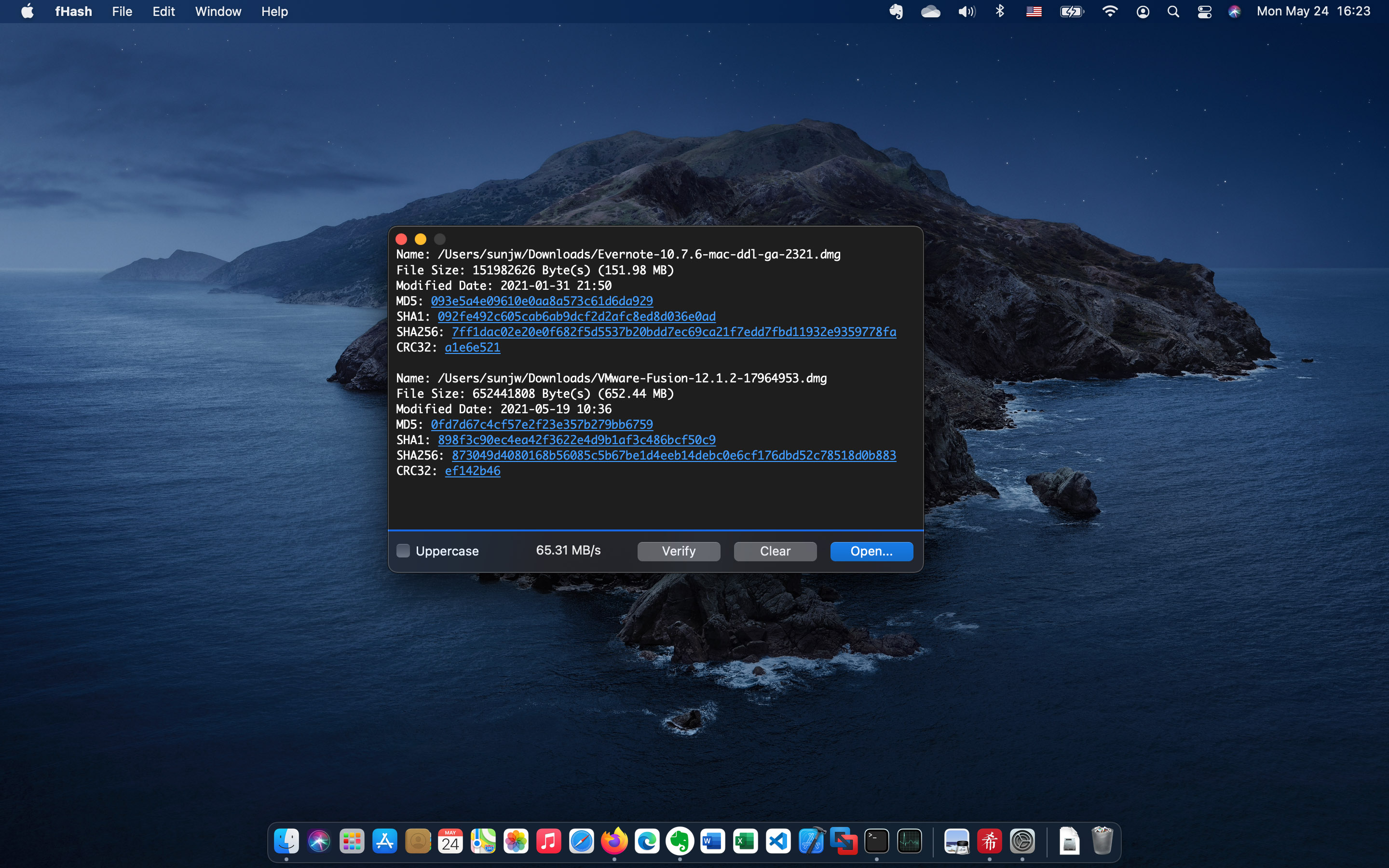
Fork of fHash — an open source files hash calculator
This fork adds the following features to the macOS version:
- Folder support — select or drag & drop folders to hash all files inside. When a folder contains subfolders, the app asks whether to process recursively or top level only.
- Pause / Resume — pause and resume hash calculation at any time using the Pause button (replaces Clear during calculation).
- Resizable window — removed minimum window size constraint.
Note: This fork has only been tested on macOS with Apple Silicon (M-series) processors.
Requirements: Xcode 18+ with Command Line Tools
# Clone
git clone https://github.com/TheRu27/fhash.git
cd fhash

# Build (Apple Silicon)
xcodebuild -workspace trunk/fHash.xcworkspace -scheme fHash -configuration Release -arch arm64 build

# Run
open ~/Library/Developer/Xcode/DerivedData/fHash-*/Build/Products/Release/fHash.app
To build a universal binary (Intel + Apple Silicon), replace -arch arm64 with -arch arm64 -arch x86_64.
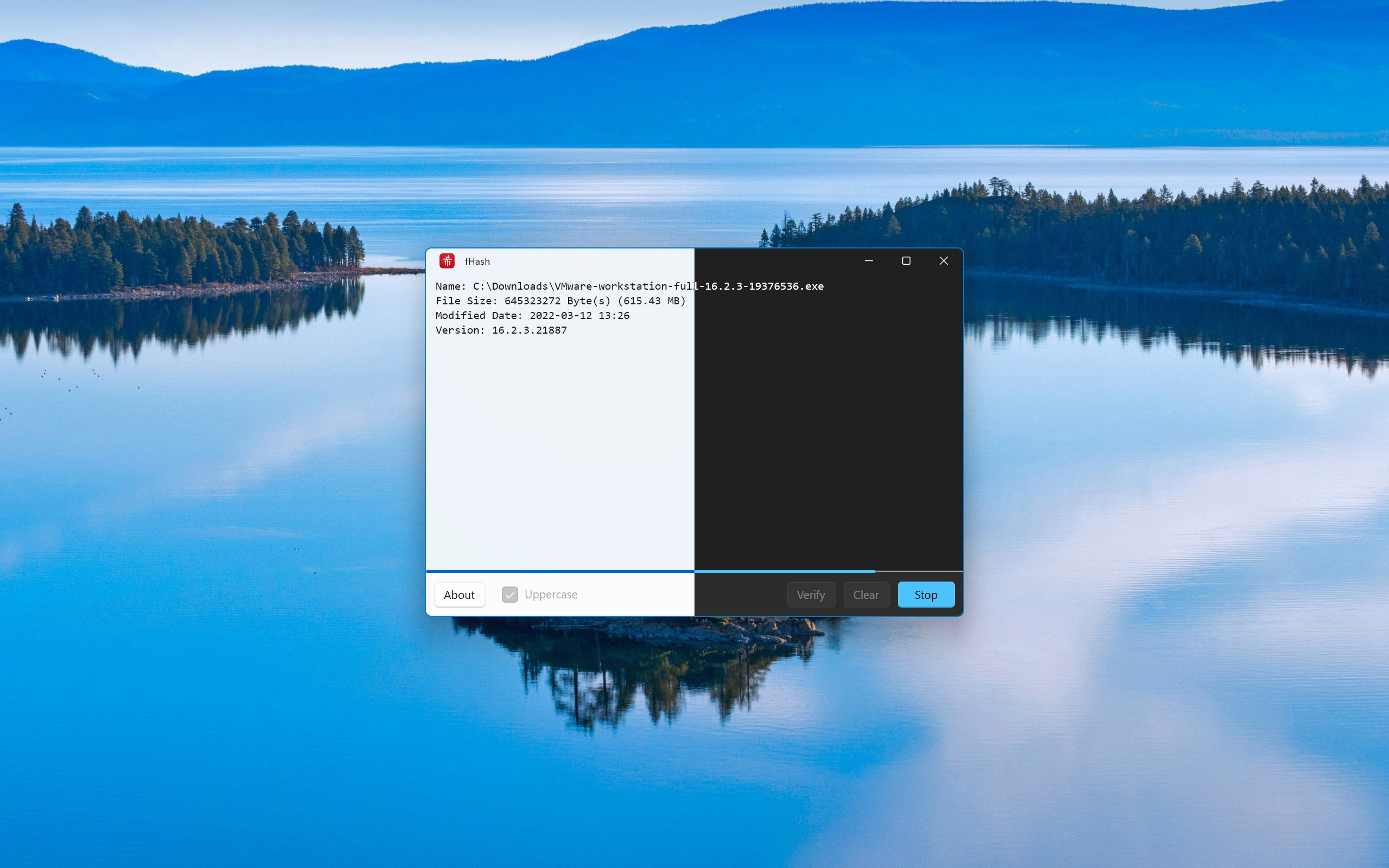
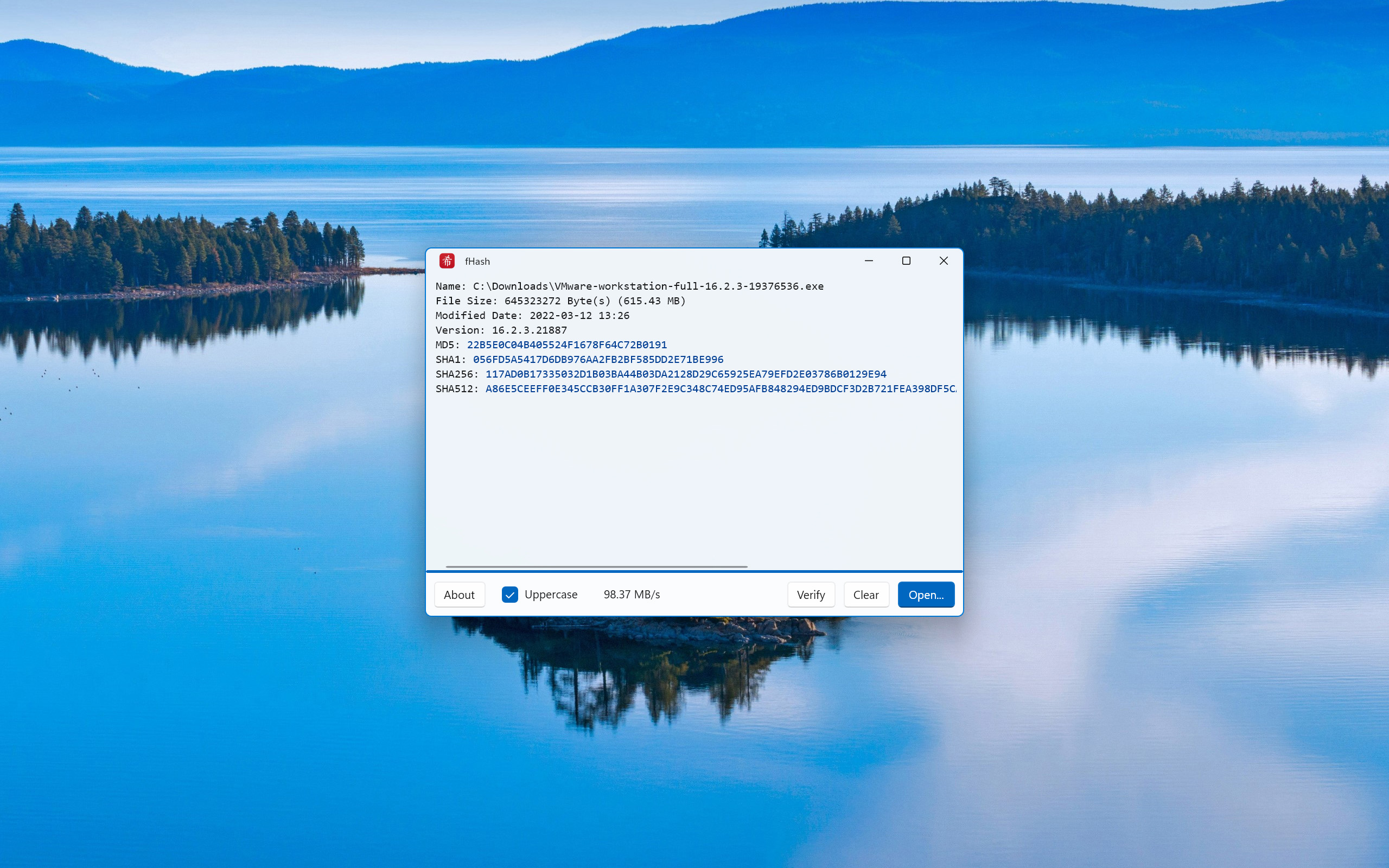
- MD5, SHA1, SHA256 and SHA512.
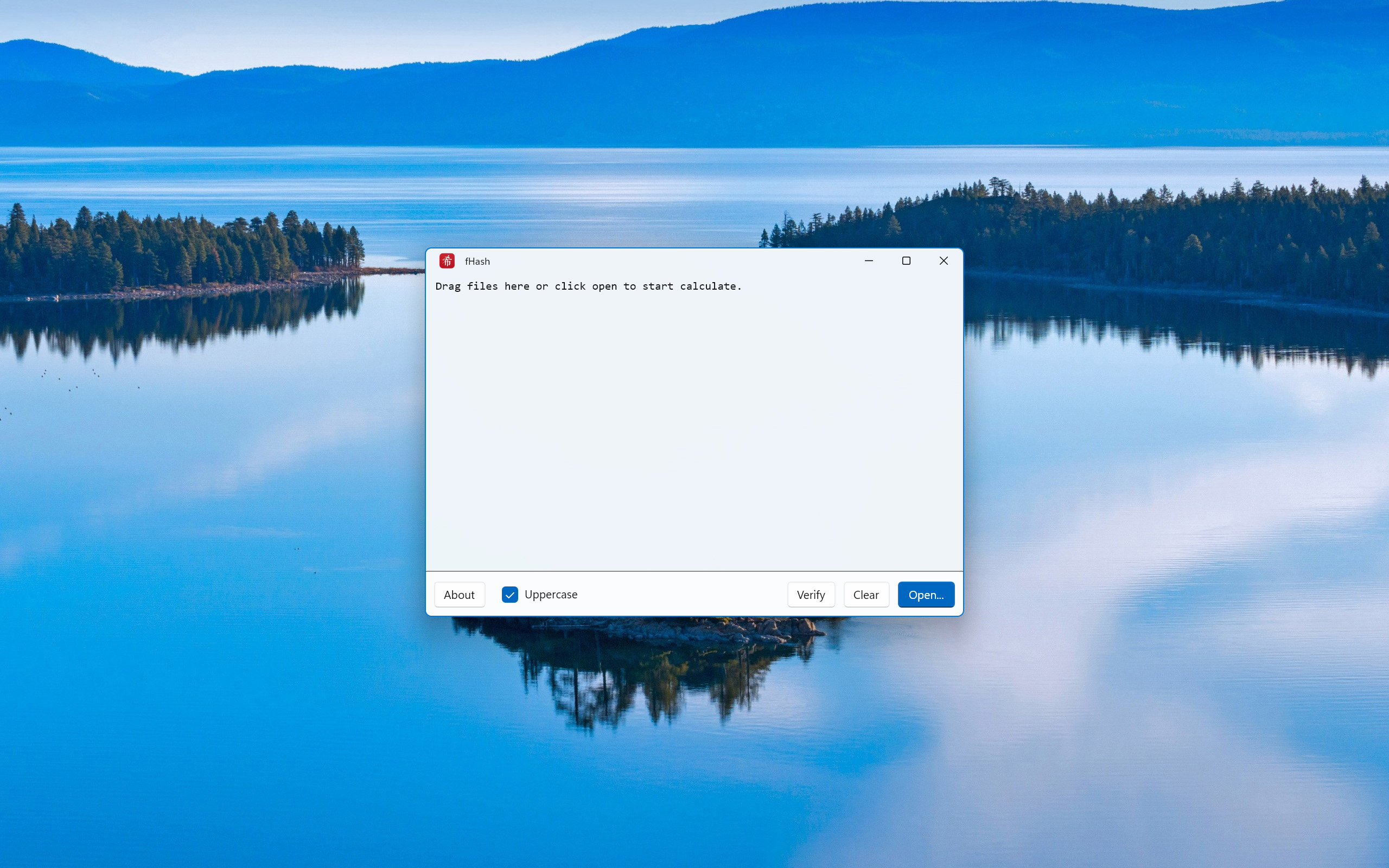
- Support drag & drop.
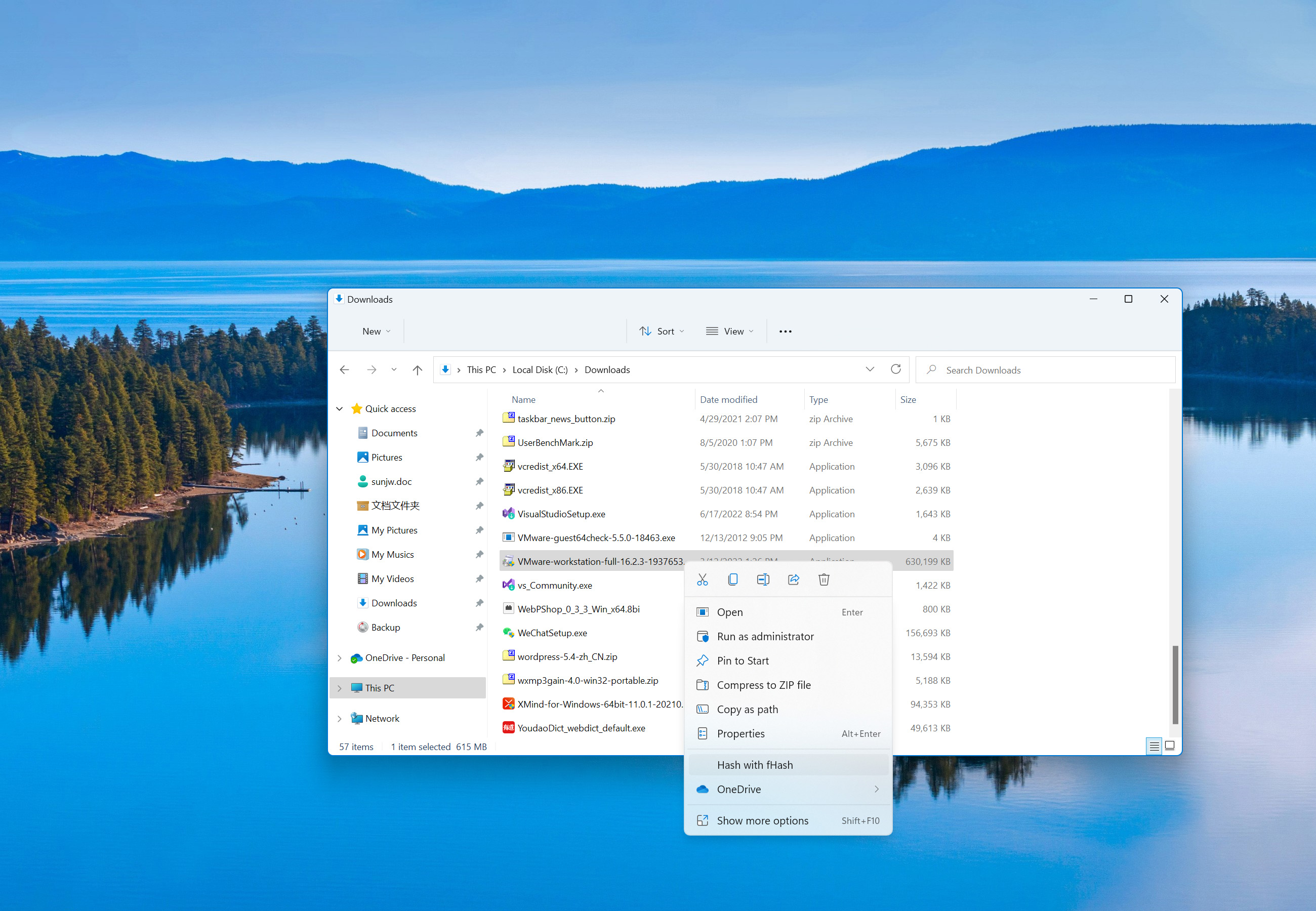
- Integrated with context menu in Explorer/Finder.
- Support Windows 7 (fHash legacy only), Windows 10 (1903) and later (x64 and arm64).
- Support macOS 14 and later, with universal binary.
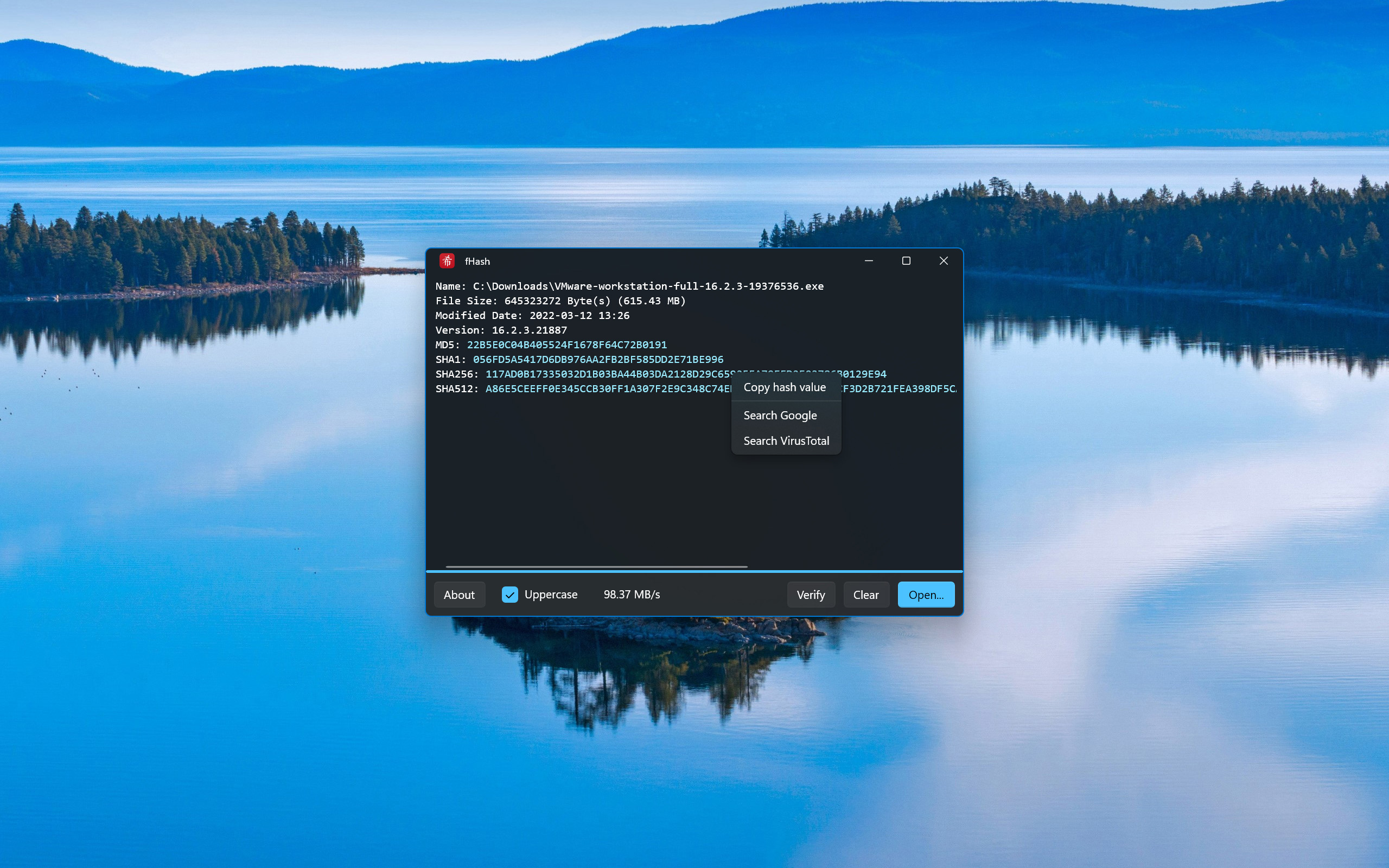
- Support Dark Mode.
- English and Simplified Chinese UI.
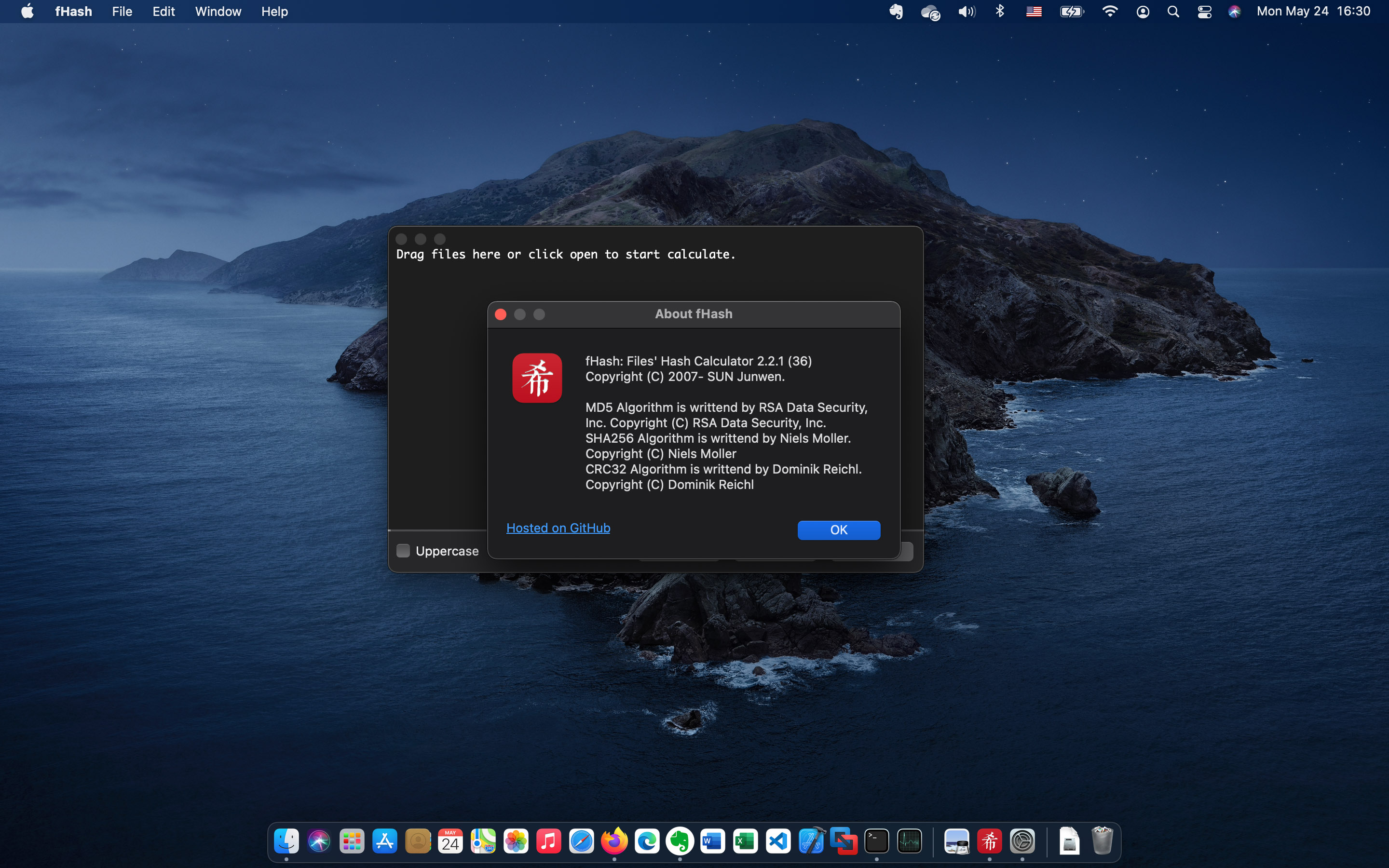
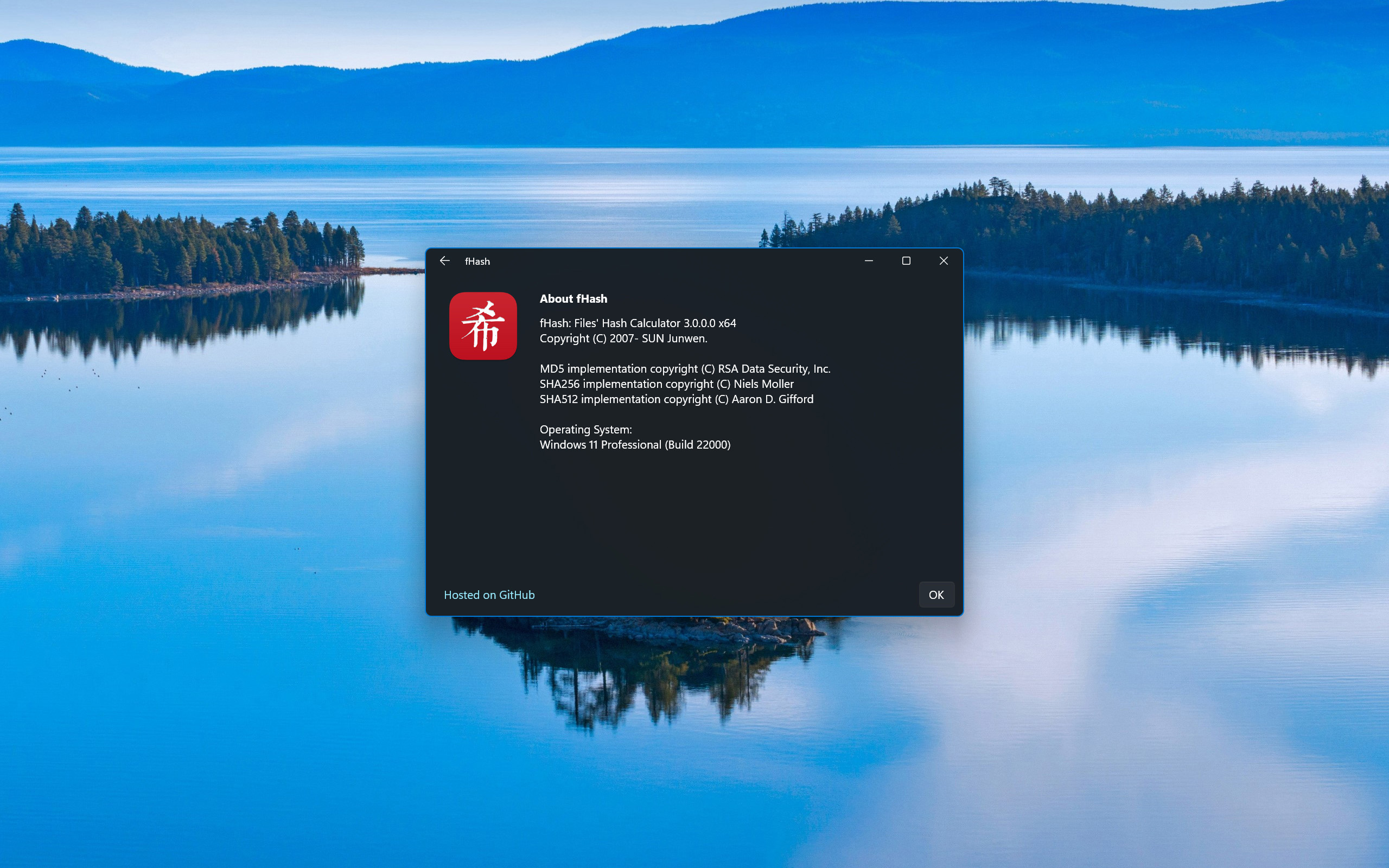
The icon "希" is from hash in Chinese "哈希".

| Platform | |
|---|---|
| Windows 10 and later (Store) |  |
| macOS |  |
winget install fHash
brew tap sunjw/tap
brew install --cask fhash
GPL 2.0 for codes hosted on GitHub.
Different licenses and agreements may be used for different distribution sites
Sun Junwen sunjw8888 at gmail.com
Windows
macOS