
- TypeScript all the way 🚀
- TypeScript transformer
- Use
/jscodeshiftSKILL to create your codemod 🤖 - Installation
- Run a codemod
- Test
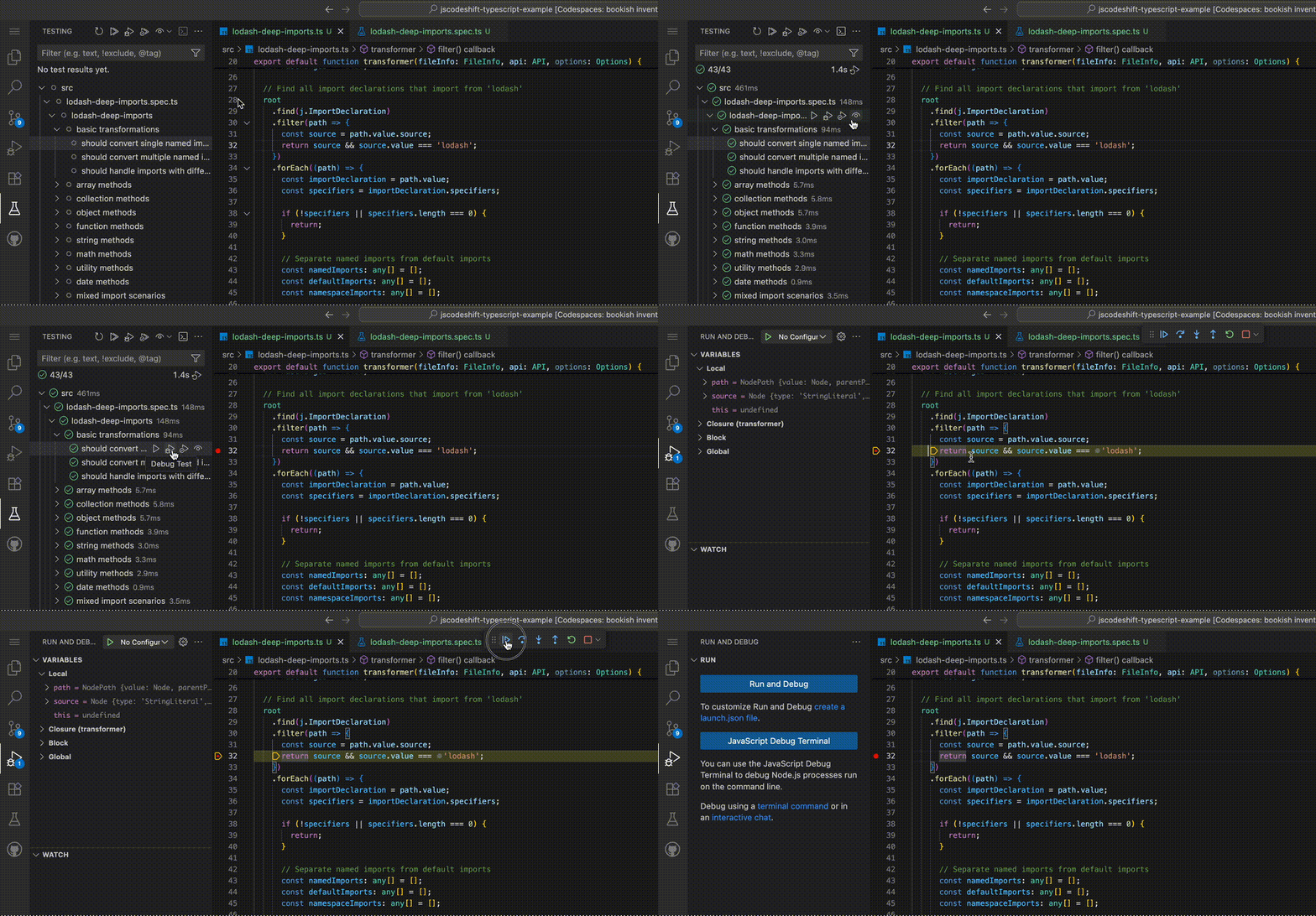
- Test and Debug with Vitest
- Behind the scenes
- Resources & Inspiration
- Awesome lists
Example usage of jscodeshift for TypeScript with TypeScript:
- TypeScript target files *.ts
- TypeScript transformer
- TypeScript test files
- TypeScript fixtures
Strongly typed code and code completion with @types/jscodeshift
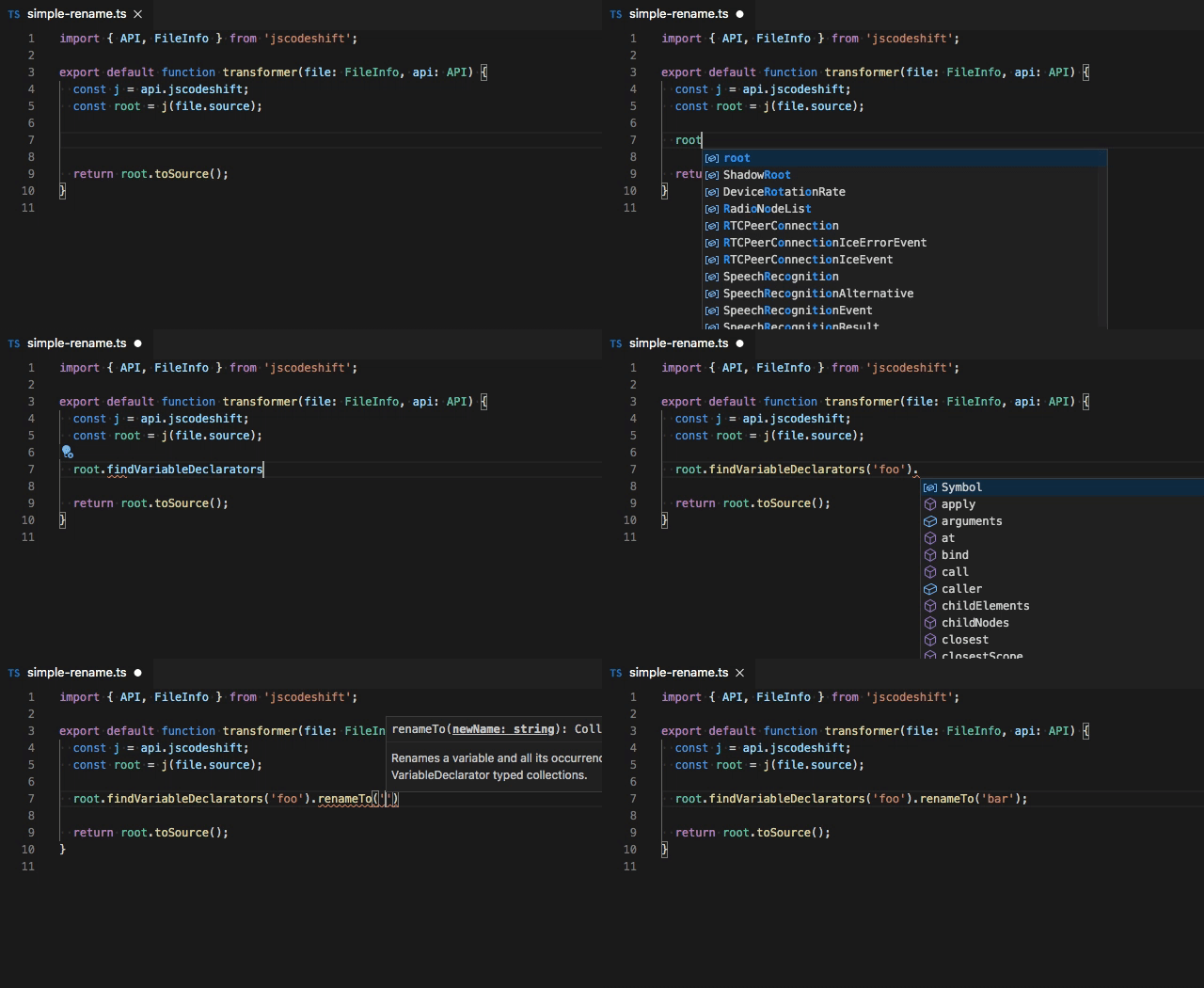
Start in Plan Mode and use example prompt to create a new transform with tests:
/jscodeshift

Create new codemod to migrate lodash imports to use deep imports

before:
```ts
import { pluck } from 'lodash';
```

after:
```ts
import pluck from 'lodash/pluck';
```
npm inpx jscodeshift -t ./src/simple-rename.ts --extensions=ts --parser=ts **/*.ts --print --dryOmit
--dryto write the transformed source back to disk.
npm testInstall the Vitest VSCode extension to test and debug your transformer.
Use @typescript-eslint/parser in https://astexplorer.net when working with the jscodeshift's parser="ts"
By default jscodeshift will use the babel parser (@babel/parser)